FAST ROUTE
Currently unavailableGPT-Image-2.5 Flare
A lower-weight route for quick iterations and everyday generation.
- Token weight
- 1
- Pace
- Faster turnaround
- Detail
- Balanced detail
- Best for
- Drafts, variations and higher-volume work
A FIELD GUIDE TO CHATGPT IMAGES 2.5
Explore practical prompts for product photography, poster design, editorial illustration and focused image edits. Use this independent ChatGPT Images 2.5 guide to shape a clear creative brief, take it into ChatGPT and refine the result without losing the details that matter.
Free prompt library. No sign-up needed.

CHOOSE YOUR ROUTE
Both routes use the current server configuration. Availability and Token weight update without changing this interface.
FAST ROUTE
Currently unavailableA lower-weight route for quick iterations and everyday generation.
DETAIL ROUTE
Currently unavailableA higher-weight route for deliberate edits and production-minded detail.
THE PROMPT LIBRARY
Start with four practical creative directions built for common image-generation tasks. Each prompt specifies the subject, composition, lighting, palette and constraints, so you can copy a complete brief and then replace the details with your own.
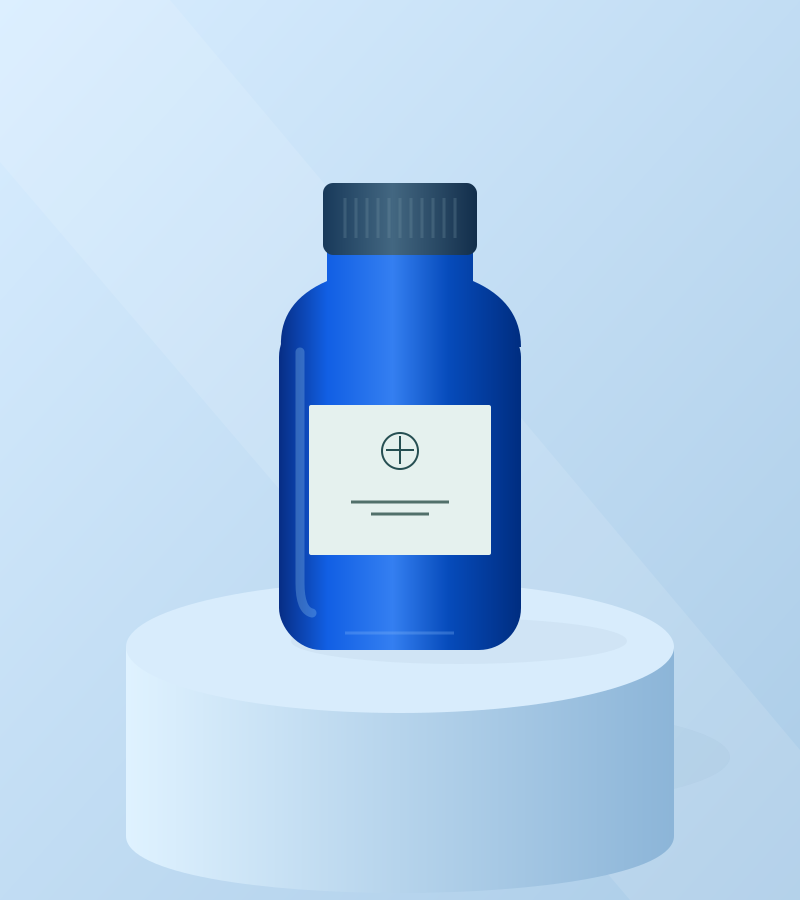
1:1PRODUCT PHOTOGRAPHY
Use this ChatGPT Images 2.5 prompt as a structured starting point for a clean studio product shot. It defines the object, background, lighting, composition and exclusions while leaving room to substitute your own product and brand palette.
Create a square studio product photograph of a cobalt-blue glass skincare bottle on a pale blue cylindrical pedestal. Use a soft sky-blue background, diffused side lighting and a long gentle shadow. Frame the bottle slightly right of center, leaving clear space on the left for copy. Make the glass and reflections believable. No extra objects, no logos, no text.
3:4POSTER DESIGN
This example combines an explicit headline with layout, typography, color and safe-margin instructions. When you adapt it, keep required wording in quotation marks and ask ChatGPT to check spelling rather than relying on a vague request for a poster.
Design a portrait-format poster for a fictional botanical exhibition. Use an oversized abstract orange flower on a pale pink background, with a small forest-green accent. Set the exact headline "IN FULL BLOOM" in bold, dark, condensed sans-serif lettering. Keep the layout graphic and spacious. No extra words. Check the headline spelling and keep a generous safe margin around all text.
 4:3
4:3IMAGE EDITING
Focused image-editing prompts work best when they separate the requested change from the elements that must remain intact. This brief changes only the setting while protecting the subject’s shape, color, texture, proportions and camera angle.
Using my uploaded photo as the reference, replace only the background with a warm peach studio wall and floor. Preserve the main subject’s exact shape, proportions, color, texture and camera angle. Keep all visible details of the subject intact. Add a subtle contact shadow matching soft light from the upper left. Do not add new objects, crop the subject or change its design.
 4:3
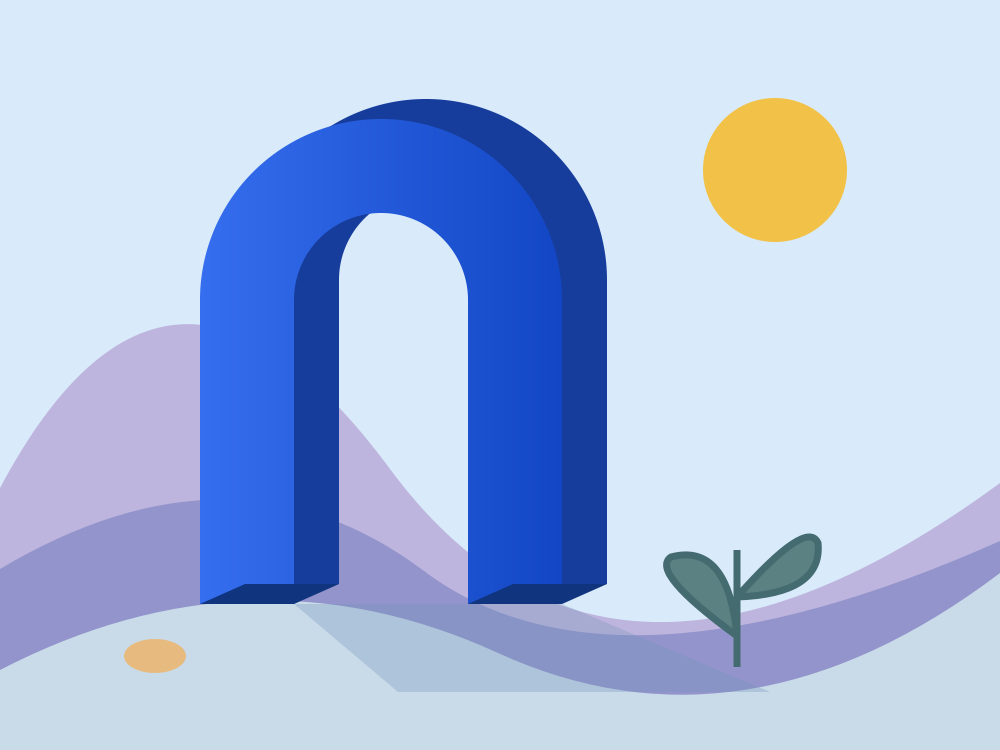
4:3EDITORIAL ILLUSTRATION
A useful illustration prompt names the visual metaphor, medium, palette, geometry, mood and output format. Change those ingredients together to explore a new direction instead of adding a long list of unrelated style labels.
Create an editorial illustration of an imaginary coastal garden with a monumental cobalt-blue arch, soft lavender hills and a small yellow sun. Use paper-cut shapes with subtle grain, simple geometry and an airy pale-blue sky. Keep the composition calm and slightly surreal, with generous negative space. Landscape format, no lettering or watermarks.
Original vector illustrations by this site, shown as creative direction. These are not model-generated results or model benchmarks.
FROM PROMPT TO PICTURE
Choose a prompt, adapt it to your goal and refine one detail at a time. You can continue in this site’s playground when generation is enabled for the current environment, or take the same brief into ChatGPT.
Open ChatGPTStart with the example closest to your goal: product photography, poster design, image editing or editorial illustration. Replace the subject, colors, aspect ratio and intended use with concrete details from your project. Remove any instruction you do not need so the creative brief stays coherent.
Open ChatGPT and ask it to create an image from the full prompt. For an edit, upload a reference image that you own or have permission to use, then state exactly what may change. Review the access and usage limits displayed in your own account.
Inspect the composition, lighting, subject fidelity and any rendered text before using the image. Request one specific revision and repeat the details that must stay unchanged. Small, testable edits make it easier to compare results and recover when a revision moves in the wrong direction.
THE 2.5 UPDATE
OpenAI’s announcement describes better lighting, textures and subject fidelity in ChatGPT Images 2.5. Those improvements can help with polished product scenes and more coherent materials, but every output still needs human review for brand accuracy, fine detail and unintended artifacts before publication.
The update is designed to change requested elements while preserving more of the surrounding image across revisions. Give the model a narrow edit instruction, name the features that must remain fixed and compare the revised image with the original rather than assuming every detail has been preserved.
OpenAI presents GPT-Image-2.5 Flare as the faster option for general and higher-volume work, while GPT-Image-2.5 Sunburst targets more detailed creative generation and editing. Developers should verify the current model documentation, availability and pricing before choosing either API model for production.
Sources checked September 9, 2026
A FEW USEFUL ANSWERS
ChatGPT Images 2.5 is the image-generation and editing update OpenAI announced on September 8, 2026. OpenAI describes improvements to visual quality, instruction following, editing and generation speed. This independent page is a practical prompt and how-to guide, not an official OpenAI product page.
OpenAI announcementDescribe the subject, intended use, composition, lighting, palette, visual medium and output format. Add constraints for anything that must not appear. For text inside an image, provide the exact words in quotation marks and verify spelling in the result. A clear brief is usually more useful than a pile of disconnected style keywords.
It can respond to image-editing requests when you provide a suitable reference image. State the single change you want and explicitly list the subject details, framing or background elements that should remain unchanged. Only upload images you own or have permission to use, and inspect the final result carefully.
Open ChatGPTOpenAI announced a rollout across ChatGPT tiers, but that does not mean unlimited free generation. Availability, limits and features can differ by account or plan, so check the information shown in your own ChatGPT account. The prompt examples on this independent site are free to read and copy.
Check ChatGPTOpenAI lists two related API models: GPT-Image-2.5 Flare and GPT-Image-2.5 Sunburst. Consult the current model documentation and official pricing because availability, capabilities and costs can change. This site exposes its own typed generation endpoint, but requests only run when its model routes and secure server-side generation services are enabled.
Official API pricingNo. They are original vector illustrations made for this guide to communicate a creative direction. They are not ChatGPT Images 2.5 outputs, model benchmarks or evidence that a copied prompt will reproduce the pictured composition exactly. Treat every prompt as an editable starting point.
The playground interface is now available, but generation only works when this environment’s model routes, secure provider connection and background worker are enabled. A disabled model is shown clearly and no paid request is sent.
PLAYGROUND AVAILABILITY
The playground interface is ready, while generation remains disabled until its secure provider connection and background worker are configured. Leave your email for one availability update.
We store the email you submit, your sign-up time and the sign-up wording you agreed to. Our own activity records use a random, first-party anonymous identifier to connect page visits, prompt copies and conversion steps; they do not store your email or raw IP address. We also use Google Analytics to understand aggregate website traffic; Google may process device, browser, interaction and approximate-location information and may use cookies or similar identifiers according to your browser settings and Google’s policies. Ongoing product email requires a separate double opt-in confirmation, and every such message will include a way to unsubscribe.